What Is Crawl Budget in SEO and Why It Matters for Rankings
If you have ever wondered why some of your pages are not getting indexed by Google, crawl budget might be the reason.
Understanding what is crawl budget in SEO is one of those things that separates beginners from advanced SEOs. Most website owners ignore it completely. And then they wonder why their new pages take weeks, or even months, to show up in search results.
In this guide, I am going to break down everything you need to know about crawl budget — what it is, why it matters, what affects it, and how you can optimize it for better rankings.
Let’s get into it.
What Is Crawl Budget in SEO?
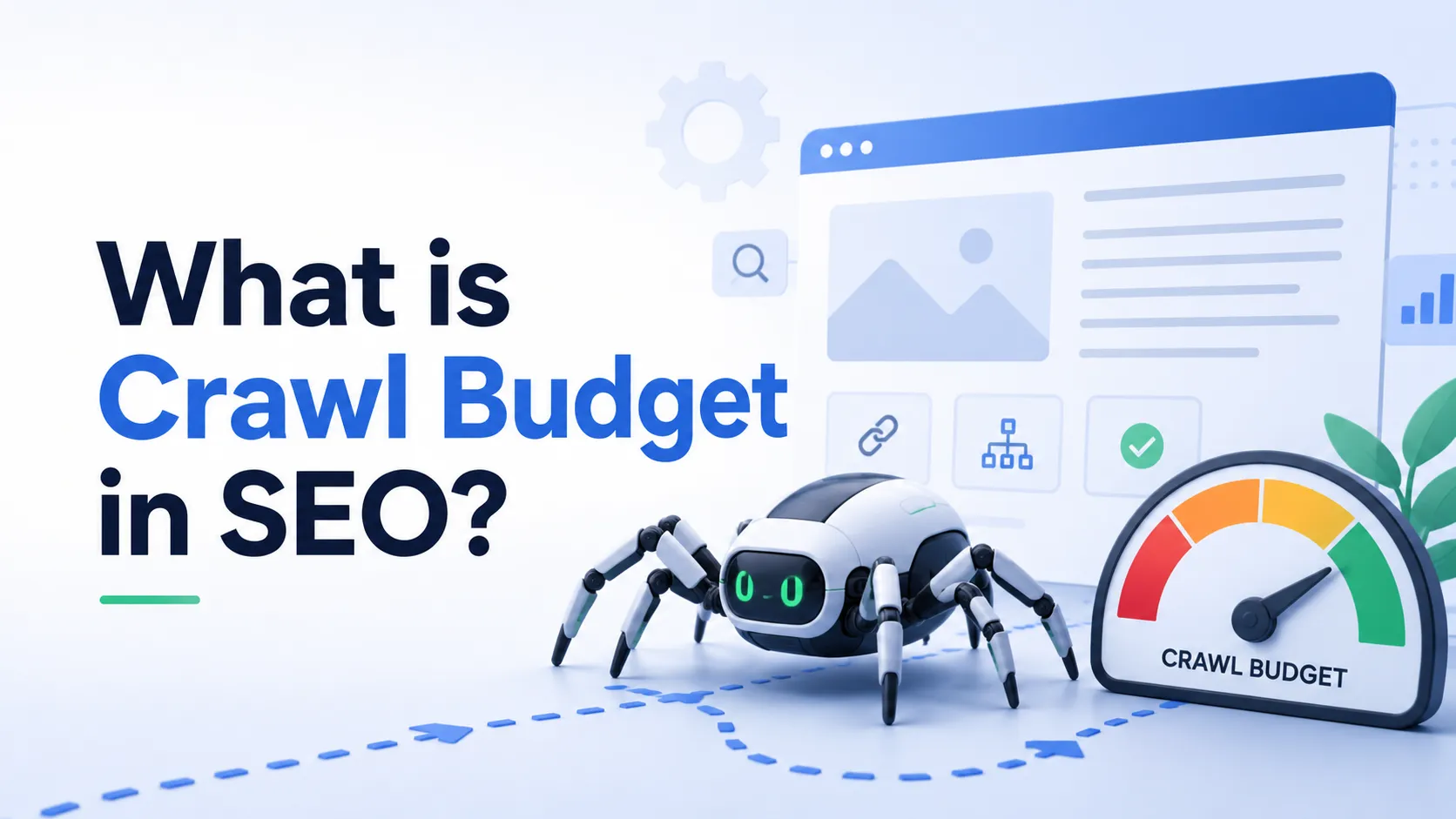
Crawl budget refers to the number of pages Googlebot (Google’s crawler) will crawl on your website within a given timeframe.
Think of it this way. Google does not have unlimited time to explore every page on every website on the internet. So it allocates a specific amount of crawling resources to each site. That allocation is your crawl budget.
If you have a 10,000-page website but Google only crawls 3,000 pages, then 7,000 pages are sitting there unvisited. And if a page is not crawled, it cannot be indexed. If it is not indexed, it will not rank.
That is why crawl budget in SEO is something you cannot afford to overlook — especially if you run a large website.
Why Does Crawl Budget Matter for SEO?
For small websites with fewer than a few hundred pages, crawl budget is rarely a problem. Google will crawl everything relatively quickly.
But for larger websites — think e-commerce stores, news portals, or content-heavy blogs — crawl budget becomes critical.
Here is why it matters:
- Faster indexing — The more efficiently you use your crawl budget, the faster Google indexes your new content.
- Better ranking signals — Updated pages get crawled and re-evaluated sooner.
- Less wasted resources — You stop wasting Google’s crawls on low-quality or duplicate pages.
- Competitive advantage — While your competitors wait weeks for new pages to rank, yours can appear in days.
If you are serious about growing your organic traffic, you need to treat crawl budget as a core part of your SEO strategy — right alongside topical authority, content optimization, and technical SEO.
How Does Google Calculate Your Crawl Budget?
Google determines your crawl budget based on two main factors.
1. Crawl Rate Limit
This is the maximum speed at which Googlebot can crawl your site without overloading your server.
If your server is slow or unstable, Google will crawl fewer pages to avoid causing downtime. A fast, reliable server means Google can crawl more pages in the same amount of time.
2. Crawl Demand
This is how much Google actually wants to crawl your site based on:
- Popularity — Sites with high authority and backlinks get crawled more often.
- Freshness — Sites that update content regularly get crawled more frequently.
- Stale content — If a URL has not changed in months, Google will crawl it less often.
Your effective crawl budget is essentially where these two factors meet.
| Factor | What It Means | How to Improve |
|---|---|---|
| Crawl Rate Limit | Max crawl speed without server overload | Improve server speed and uptime |
| Crawl Demand | How much Google wants to crawl your site | Build authority, update content regularly |
| URL Popularity | Importance of individual URLs | Get more backlinks to key pages |
| Content Freshness | How recently pages were updated | Publish and update content consistently |
What Wastes Your Crawl Budget?
This is where most websites lose out. There are several common issues that eat up your crawl budget on pages that simply do not matter.
| Crawl Budget Wasters | Why It Is a Problem |
|---|---|
| Duplicate content | Google crawls multiple versions of the same page |
| Thin or low-quality pages | Crawls wasted on pages with no SEO value |
| Redirect chains | Googlebot follows multiple hops unnecessarily |
| Broken pages (404 errors) | Crawl budget spent on dead-end URLs |
| Infinite scroll or session-based URLs | Creates thousands of pointless URL variations |
| Faceted navigation pages | E-commerce filters generate massive URL bloat |
| Pages blocked incorrectly | Misused noindex or robots.txt settings |
| Slow page load speed | Googlebot crawls fewer pages due to slow responses |
If any of these apply to your site, you are actively wasting your crawl budget. And your important pages may be paying the price.
How to Check Your Crawl Budget
Before you can fix anything, you need to understand how Google is currently crawling your site.
Here is how to check it:
Google Search Console is your first stop. Go to Settings → Crawl Stats. You will see:
- Total crawl requests
- Total download size
- Average response time
- Breakdown of crawled file types and response codes
Look for patterns. Are there spikes in crawl errors? Is Google spending a lot of time on certain URL types? This data tells you exactly where the problems are.
You can also use log file analysis tools like Screaming Frog Log File Analyser or Semrush‘s Site Audit to dig deeper into how bots are moving through your site.
How to Optimize Your Crawl Budget
Now let’s talk about the part that actually moves the needle.
1. Fix Crawl Errors Immediately
Any 4xx or 5xx errors are a waste of crawl budget. Audit your site regularly and fix broken links, remove dead pages, or redirect them to relevant live pages.
Use Google Search Console’s “Pages” report under Indexing to find these quickly.
2. Keep Your XML Sitemap Clean
Your XML sitemap should only include pages you actually want Google to crawl and index.
Remove:
- Noindex pages
- Paginated pages (in most cases)
- Thin content pages
- Redirect URLs
- Duplicate versions of pages
A clean sitemap guides Googlebot straight to your most valuable content.
3. Use Robots.txt Strategically
Block Googlebot from crawling sections of your site that have no SEO value.
Common areas to block:
- Admin pages
- Cart and checkout pages
- Login pages
- Thank-you pages
- Internal search result pages
- Tag or archive pages with little unique content
Be careful though. Do not block pages that contain links to important content, as this can accidentally cut off Googlebot’s crawl path.
4. Eliminate Duplicate Content
Duplicate content forces Google to crawl multiple versions of the same page. That is pure crawl budget waste.
Fix duplicates by:
- Using canonical tags correctly
- Setting a preferred domain (www vs non-www) in Google Search Console
- Avoiding thin content pages that repeat existing information
- Consolidating similar pages where possible
5. Speed Up Your Server
Page speed directly affects how many pages Google can crawl per session.
A page that loads in 200ms allows Googlebot to crawl far more pages than a page that takes 2 seconds. Invest in:
- A quality hosting provider
- A CDN (Content Delivery Network)
- Image compression
- Caching plugins or server-level caching
This also ties into overall SEO performance, so it is a double win. If you want more detail on technical improvements, check out this guide on how to optimize blog posts for SEO for practical, actionable tips.
6. Improve Internal Linking
Strong internal linking helps Googlebot discover your most important pages faster.
When you publish new content, link to it from existing high-authority pages on your site. This tells Google where to go next and ensures important URLs get crawled regularly.
Avoid orphan pages — pages with no internal links pointing to them. Google may never crawl them at all.
7. Handle Pagination and Faceted Navigation
E-commerce sites especially struggle here. Filters and sorting options can generate millions of URL variations that all serve essentially the same products.
Use a combination of:
- Robots.txt to block low-value filter URLs
- Canonical tags pointing to the main category page
- Rel=”nofollow” on filter links where appropriate
Crawl Budget: Large Sites vs. Small Sites
Do you actually need to worry about crawl budget?
| Website Type | Pages | Should You Worry? |
|---|---|---|
| Personal blog | Under 500 | Probably not |
| Medium-sized blog | 500–5,000 | Worth monitoring |
| Large content site | 5,000–50,000 | Yes, actively manage it |
| E-commerce store | 10,000+ | Critical priority |
| News portal | Updates daily | High priority |
For small sites, Google typically crawls everything without any issues. But once your site grows, crawl budget management becomes an ongoing SEO task — not just a one-time fix.
Crawl Budget and AI Search
Something worth mentioning here is how AI-powered search is changing things.
Google’s AI Overviews now pull information differently than traditional blue-link search. Pages that are crawled, indexed, and structured well have a better shot at appearing in these AI-generated results. Understanding how to rank in AI Overviews has become just as important as traditional SEO — and crawl budget plays a role in getting your content seen fast enough to be included.
Common Crawl Budget Mistakes to Avoid
Even experienced SEOs make these errors. Watch out for them.
- Blocking CSS and JS files — Googlebot needs these to render your pages correctly.
- Using noindex and allowing crawl — You can noindex a page but still let it be crawled. This is sometimes intentional, but often a mistake.
- Not monitoring after site migrations — Site migrations often destroy crawl efficiency if not handled carefully.
- Ignoring log files — GSC crawl stats are useful, but log file analysis gives you the full picture.
- Publishing too many low-quality pages — More content is not always better. Thin pages dilute your crawl budget.
Content strategy matters here too. If you are using AI tools in your content workflow, learn how to use AI for content marketing the right way — to create genuinely useful content that earns crawl priority, not thin filler that wastes it.
Frequently Asked Questions
Q1: What is crawl budget in SEO in simple terms?
Crawl budget is the number of pages Googlebot will crawl on your website within a given period. If you have more pages than your crawl budget covers, some pages may never get indexed.
Q2: Does crawl budget affect small websites?
For websites with fewer than 500 pages, crawl budget is rarely a concern. Google can typically crawl small sites in full. It becomes important as your site grows larger.
Q3: How do I increase my crawl budget?
You can increase your crawl budget by improving server speed, removing low-quality pages, fixing crawl errors, building backlinks, and updating content regularly. A higher domain authority also naturally leads to more crawling.
Q4: Can I see my crawl budget in Google Search Console?
Yes. Go to Google Search Console → Settings → Crawl Stats. You will find data on how often Googlebot visits, average response times, and the types of pages being crawled.
Q5: Does noindex waste crawl budget?
Noindexed pages still consume crawl budget if they are not blocked in robots.txt. If you have pages you do not want indexed and they serve no SEO purpose, block them in robots.txt to save your budget.
Q6: How often does Google update crawl budget?
Google constantly recalculates crawl allocation based on your site’s authority, speed, and update frequency. There is no fixed schedule — it adapts dynamically to your site’s signals.
Q7: Is crawl budget the same as crawl rate?
No. Crawl rate is how fast Googlebot crawls your pages. Crawl budget is the total number of pages crawled over a period. Both are related, but they are separate concepts.
Conclusion
So, what is crawl budget in SEO? Simply put, it is the number of pages Google is willing to crawl on your site in a given timeframe.
For small websites, it is a background concern. For large websites, it is a critical factor that directly affects how quickly your pages get indexed and ranked.
The good news is that fixing crawl budget issues is not complicated. Clean up your sitemap, fix errors, eliminate duplicate content, improve your server speed, and focus your internal linking. Do those things consistently, and you will give Google every reason to crawl your most important pages first.
Stop letting Google waste time on pages that do not matter. Give it a clear path to the content that does.
And if you keep building quality, well-structured content around your core topics, your crawl efficiency will improve naturally over time — along with your rankings.