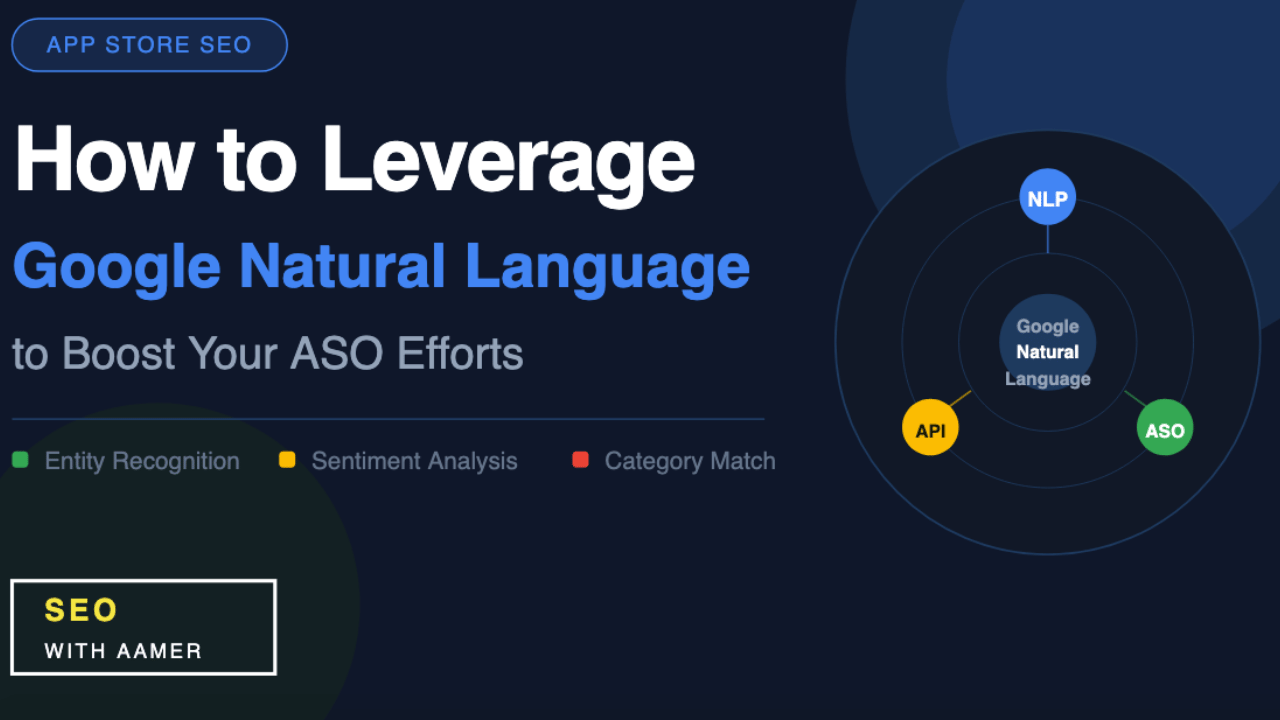
How to Leverage Google Natural Language to Boost Your ASO Efforts
If you build or market mobile apps, you already know how competitive the app stores have become. Millions of apps compete for the same eyeballs every single day. The developers who win are not the ones who stuff keywords into their descriptions — they are the ones who understand how Google actually reads and ranks app content. That is exactly where Google Natural Language ASO comes in.
In this guide, you will learn what Google Natural Language is, why it matters for App Store Optimization, and exactly how you can use it to rank your app higher on Google Play and beyond.
What Is Google Natural Language and Why Should You Care?
Google Natural Language is a cloud-based API that Google built to help machines understand human text. It does not just scan for keywords. It reads your content the same way a human would — identifying meaning, intent, sentiment, and relevance.
When you apply Google Natural Language to ASO, you gain direct insight into how Google’s algorithm interprets your app’s title, short description, and long description. That matters more than most ASO specialists realize.
Google Play does not rank apps by counting how many times a keyword appears. It ranks apps by how well the overall metadata communicates relevance to a specific category and user intent. Google Natural Language ASO helps you align your metadata with that exact logic.
How Google Play Uses Natural Language Processing
Google Play moved away from keyword-match ranking a long time ago. Today, its algorithm uses semantic understanding powered by machine learning. That means the store reads your app description more like a search engine crawls a webpage than like a keyword scanner reads a resume.
Here is what this shift means in practical terms:
- Three natural sentences that include your target keyword will outperform ten forced repetitions of the same word.
- The algorithm recognizes related words, synonyms, and concepts — not just exact-match phrases.
- Your entire long description gets indexed, so every sentence contributes to how Google categorizes your app.
Understanding this, Google Natural Language ASO gives you a tool to check your metadata before you publish it — and fix what the algorithm might misread.
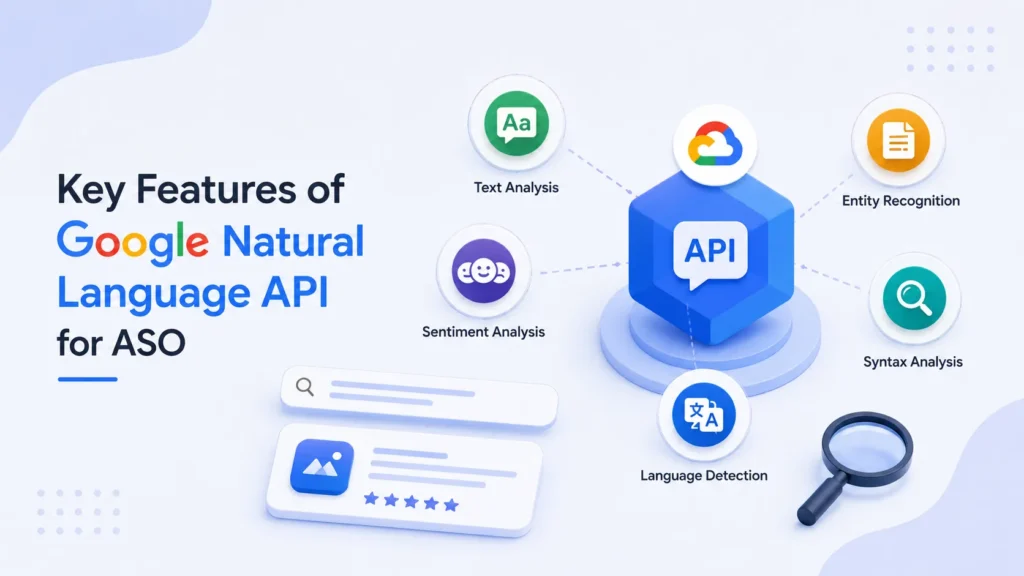
Key Features of the Google Natural Language API for ASO
1. Entity Recognition
The API identifies the key entities in your text — people, places, products, and concepts. When you run your app description through it, you can see exactly which entities Google is likely to associate with your app.
If you build a fitness app but the API pulls entities related to “diet,” “meal planning,” and “weight loss” rather than “workout” or “strength training,” your metadata needs work. Entity recognition helps you spot misalignments before they cost you rankings.
2. Category Classification
This is one of the most powerful features for Google Natural Language ASO. The API classifies your text into content categories based on Google’s own taxonomy. You want your app description to fall into the exact category that matches your target audience.
For example, if your app is a budgeting tool but the API classifies your description under “Lifestyle” instead of “Finance,” your metadata is sending the wrong signal. Fix the language, re-run the test, and confirm the classification before publishing.
3. Sentiment Analysis
Sentiment analysis evaluates whether your text reads as positive, negative, or neutral. While sentiment is not a primary ranking factor, it does affect user trust. Overly promotional or unclear language creates noise in your metadata.
A clean, informative, and confident tone — which sentiment analysis confirms as positive — builds credibility with both users and the algorithm.
4. Syntax Analysis
The API breaks down your text at the sentence and word level, identifying how phrases connect. This helps you write descriptions that flow naturally rather than sound robotic. Google rewards clarity, and Google Natural Language ASO helps you confirm that your writing achieves it.
How to Use Google Natural Language API for ASO: Step by Step
You do not need to be a developer to start using this tool. Here is a straightforward process anyone can follow:
Step 1: Visit the Google Natural Language Demo Go to cloud.google.com and find the Natural Language API demo. You can paste text directly and analyze it for free without writing a single line of code.
Step 2: Paste Your App Description Copy your current app title, short description, and long description. Paste the full text into the demo tool and run an analysis.
Step 3: Check Entity Relevance Review the entities the API identifies. Ask yourself: do these entities match what my app actually does? Do they reflect the keywords my target users search for? If not, rewrite the sections that create confusion.
Step 4: Confirm Your Category Check the content category the API assigns. Compare it to your app’s actual Google Play category. They should align closely. If they do not, restructure your description to include clearer, more category-specific language.
Step 5: Review Sentiment and Clarity Make sure your sentiment scores positive and your syntax reads naturally. Remove any keyword-stuffed phrases and replace them with sentences that explain real user benefits.
Step 6: Rewrite and Retest Update your metadata based on what you learn. Then paste the revised text back into the API and run the analysis again. Keep iterating until the entity relevance, category classification, and sentiment all align with your goals.
Common Mistakes ASO Teams Make Without Google Natural Language
Most app marketers still optimize by instinct. They pick keywords from a research tool, place them throughout the description, and hope the algorithm agrees. Google Natural Language ASO exposes why that approach fails.
Here are the most common errors this tool helps you fix:
- Keyword stuffing — The algorithm penalizes it, and the API shows you exactly where your text sounds unnatural.
- Wrong category signals — You might think your description is clear, but the API might categorize your app incorrectly based on your word choices.
- Vague entity associations — If the API cannot identify strong, relevant entities, Google cannot confidently rank your app for the right searches.
- Overly promotional tone — Language that reads as aggressive or salesy reduces trustworthiness in the algorithm’s eyes.
Best Practices for Google Natural Language ASO in 2026
The app store landscape continues to evolve rapidly. These practices keep your Google Natural Language ASO strategy effective long-term:
- Update your metadata every quarter. Google’s algorithm changes, and so do user search patterns. Regular testing keeps your app aligned.
- Localize with the API. If you target international markets, run your translated descriptions through the API too. Localized listings see significantly higher conversion rates when they pass entity and category checks in the target language.
- Pair NLP optimization with performance data. Watch your keyword rankings, impressions, and conversion rate after every metadata update. The API tells you what Google reads — analytics tell you what users do.
- Write for humans first. The best-performing descriptions always sound like they were written by a person who genuinely understands the product. The API helps you confirm that the algorithm agrees.
Final Thoughts
Google Natural Language ASO is not just a technical tool for developers. It is a strategic advantage for anyone serious about growing their app’s visibility organically. Instead of guessing how Google reads your metadata, you can know — and optimize with confidence.
The app store is not getting less competitive. Every edge counts. Start using Google Natural Language today, and put your app in the position it deserves.